Komado for Mac
Free
macOS 14 Sonoma or later · Apple silicon and Intel
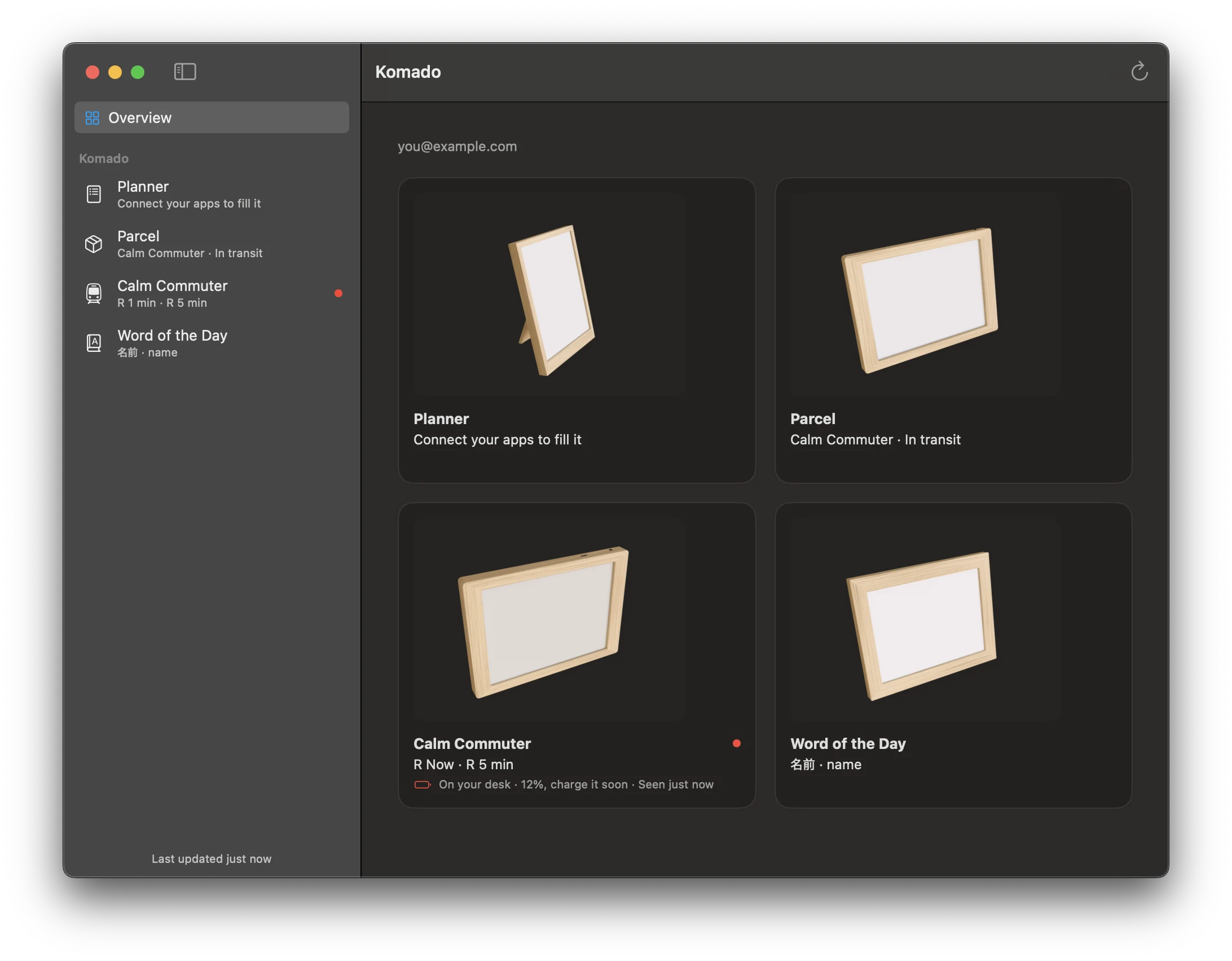
Your Planner, shipments, trains and word of the day, in a window and in your menu bar. Every product is there once you sign in, with or without one on your desk.
What's in it
- The Planner's conversations: on you, waiting on someone, and booked.
- Parcel's shipments: arriving today, on the way, delivered. Connect your Gmail or Outlook and they fill in by themselves, or add a tracking number right there.
- Calm Commuter's next trains at your stations.
- Word of the Day: today's Japanese word, its reading and an example.
- Your devices under their product, with their battery and when they last checked in.
Menu bar, widgets and Shortcuts
- Each product can have its own item in the menu bar: what's on you, the boxes on the way, the next train, today's word. The Planner and Parcel start on; turn any of them on or off in Settings.
- Widgets for one product or all four.
- Shortcuts actions to open any product or get what it shows, and komado:// links that open one from Raycast or anywhere else.
- A two-finger swipe moves between products, and ⌘1 to ⌘4 jump to one.
Installing and updates
- Open Komado.dmg and drag Komado into Applications.
- Sign in with Apple, or in your browser the way you sign in here.
- It's signed and notarized by Apple. Updates download by themselves and install the next time you quit Komado; Settings turns that off, and Check for Updates in the Komado menu looks right away.
Privacy
It keeps your sign-in in your Mac's Keychain and what it last read on your Mac, for its widgets, and checks once a day for a new version. No ads and no trackers (the details).